Release Highlights: October 2026

October put the coaching conversation and the review of it in the same Meeting. You can now hold a video call from a Meeting, watch the recording back together, and score skills as you watch. Dashboards also answer harder questions. Here are the highlights.
Meet, Record, and Score in One Meeting
The two people in a Meeting can now start a video call from it and share a screen, and anyone who can open the Meeting can sit in. Every call is recorded and kept with the Meeting, and you can attach the recording of an earlier call too. Video calls are available on request.
Open a recording from a running Meeting and its skills sit right under the video, so you score as you watch. Each data point is marked at its moment on the timeline, beside the comments, so you can jump back to exactly what you saw. When someone else opens the same recording, playback stays in sync for both of you and comments appear as they are written. See Review a recording while you take data and Watching together.

Answer Harder Questions From Your Data
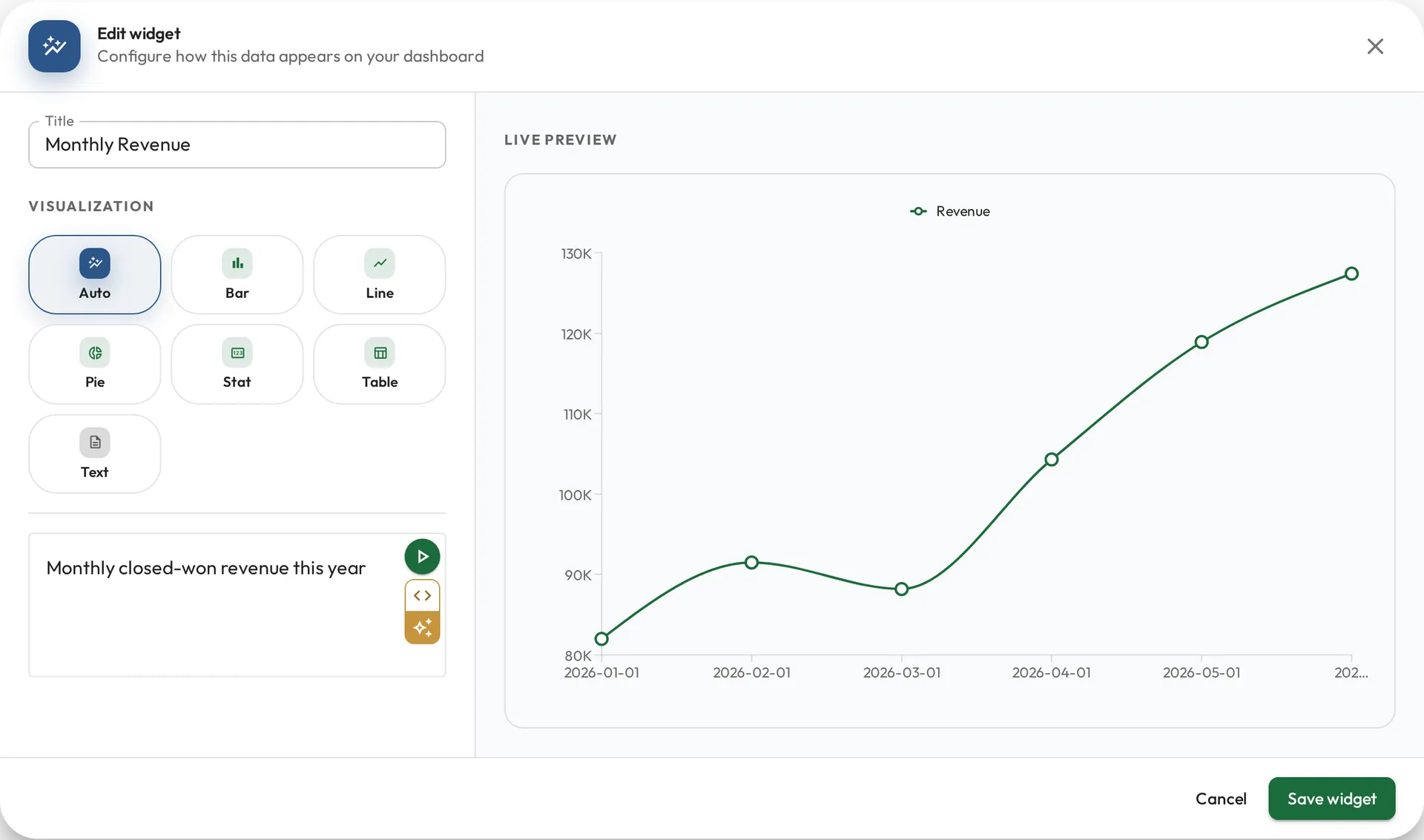
Dashboard widgets and role metrics now handle harder questions, whether you ask in English or write SQL. A query can build its answer in steps, fill in days with no data, and use more of standard SQL, so one widget or role metric can hold the whole question. When a query fails, it tells you what to fix in plain words. Dashboard authors can also add a Role or Team filter, so viewers pick whose numbers they see. Learn more in Querying your data and Dashboard variables.
Additional Updates
- What’s new now lives in the app. Select your name at the bottom of the sidebar and choose What’s new to see each month’s changes.
- People with Viewer access can open their own profile, see the Meetings about them, and see who supervises them. See Users and permissions.
- You can hold a Meeting with anyone in your organization, such as Clients, not only Staff.
Until Next Time
That’s October. As always, we’d love to hear your feedback. Reach out any time with questions or ideas.